

Remember when adding SMS two-factor authentication to your accounts felt like putting a steel vault door on your business? That little six-digit code pinged to your phone seemed bulletproof. Fast forward to 2026, and that same protection now looks more like a garden gate with a rusty latch.
The uncomfortable truth is that cybercriminals have evolved. They've figured out how to intercept those text messages, trick employees into handing over codes, and waltz right through what we once considered rock-solid security. If your organisation is still relying solely on SMS-based multi-factor authentication, it's time for a serious conversation about what's changed: and what you should do about it.
The Problem With SMS Authentication
Let's be clear: SMS MFA was a massive step up from passwords alone. It added a second layer that stopped countless attacks in their tracks. But here's where things get tricky.
SMS codes are what security experts call "shared secrets." When you receive that six-digit code, it travels through networks, gets displayed on your screen, and sits there waiting to be typed in. At every stage of that journey, there's an opportunity for someone with bad intentions to grab it.
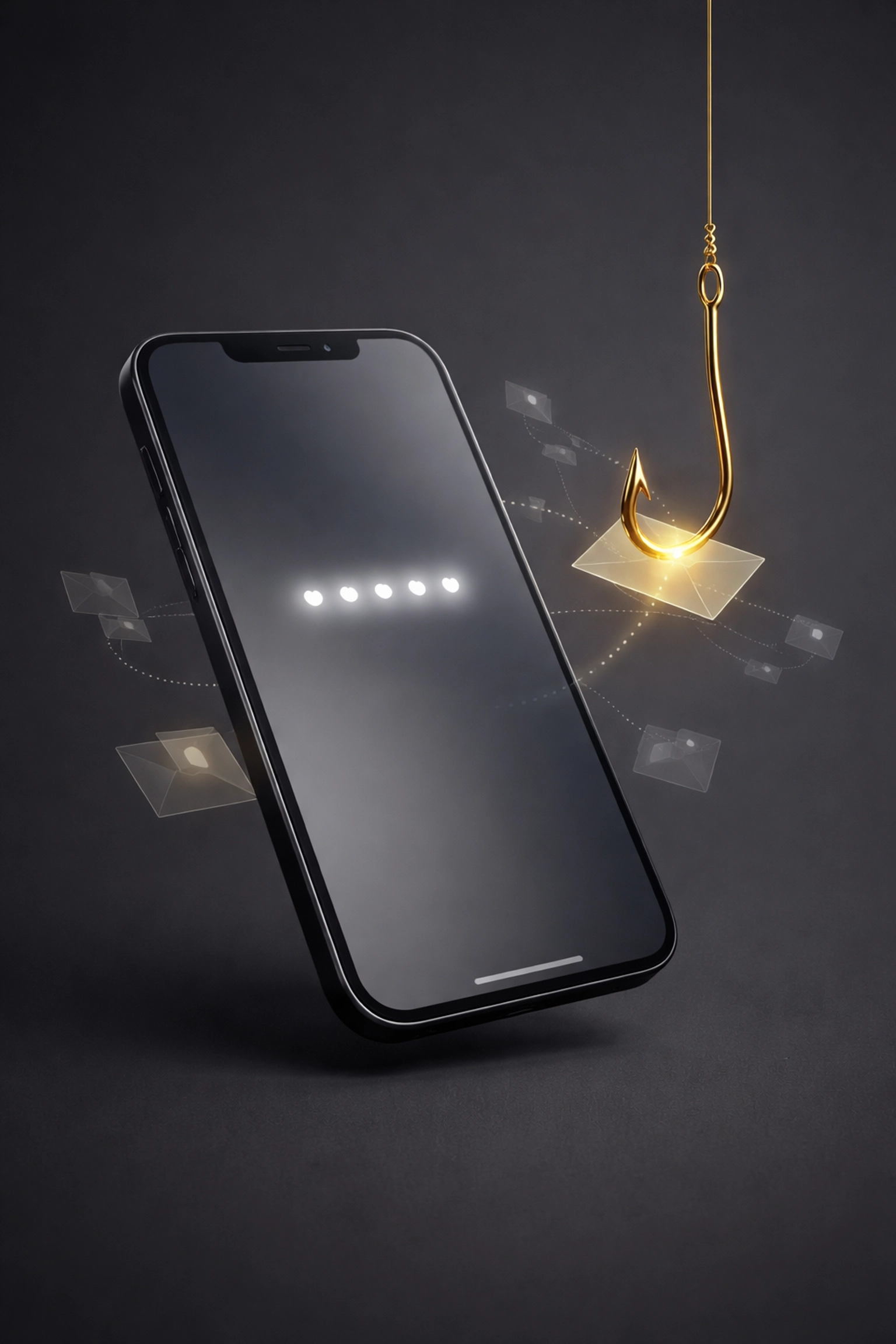
Modern phishing attacks have become disturbingly sophisticated. Attackers create pixel-perfect replicas of login pages: your Microsoft 365 portal, your banking site, your CRM system. An employee clicks a dodgy link in an email, enters their password, and then dutifully types in the SMS code they just received. The attacker captures everything in real-time and logs straight into the real system before your team member even realises something's wrong.
This technique, known as credential replay, has become the bread and butter of organised cybercrime groups targeting UK businesses. And SMS MFA simply can't stop it.
What Makes Authentication "Phishing-Resistant"?
The key difference with phishing-resistant authentication is that there's no code to steal. Instead of transmitting secrets that can be intercepted, these methods use cryptographic key pairs that never leave your device.
Think of it like this: traditional MFA is like showing a bouncer a photograph of your face. Phishing-resistant MFA is like the bouncer personally knowing you and recognising you on sight: no photograph to steal, no code to intercept.
When you use phishing-resistant authentication, your device performs a cryptographic handshake with the legitimate website. If an attacker has created a fake login page, the authentication simply fails because the cryptographic keys only work with the genuine, verified domain. The attack chain breaks before it even starts.
This approach automatically provides multi-factor authentication by combining something you have (your physical device) with something you are (your fingerprint or face) or something you know (a PIN). It's layered security without the faff.
The Technologies Leading the Charge
Several technologies now deliver this level of protection, and they're more accessible than you might think.
Passkeys and FIDO2
Passkeys have rapidly become the gold standard. Built on FIDO2 protocols, they let you log into services using biometrics or a PIN on your device. No passwords to remember, no codes to type, and nothing for attackers to phish.
Major platforms including Microsoft, Google, and Apple now support passkeys across their ecosystems. For businesses, this means you can deploy passkey authentication across your workforce without asking everyone to carry extra hardware.
Hardware Security Keys
Physical security keys like YubiKey take things a step further. These small devices plug into your computer or tap against your phone, providing cryptographic authentication that's virtually impossible to compromise remotely.
They work across thousands of services, require no batteries, and last for years. For organisations handling sensitive data: financial services, healthcare, legal practices: hardware keys offer the highest level of assurance.
Windows Hello for Business
If your team runs Windows devices, you've already got phishing-resistant authentication built in. Windows Hello for Business uses facial recognition, fingerprint scanning, or a PIN tied to the specific device. It's convenient, secure, and requires minimal training for staff.
Push-Based Authentication
Push notification MFA has emerged as a practical middle ground for many organisations. Rather than typing a code, users simply approve or deny login requests from their phone. While not quite as robust as hardware keys, it's significantly more secure than SMS and much harder for attackers to exploit.
Why UK Businesses Need to Act Now
The regulatory landscape is shifting rapidly. Cyber Essentials Plus, which many UK organisations need for government contracts, increasingly expects modern authentication practices. Cyber insurance providers are asking tougher questions about MFA implementations, and "we use text message codes" no longer satisfies their risk assessments.
Beyond compliance, there's a practical business case. The average cost of a data breach continues to climb, and compromised credentials remain the most common initial attack vector. Investing in phishing-resistant authentication now is considerably cheaper than dealing with the fallout from a successful breach later.
This applies across industries. Whether you're running a logistics company, a professional services firm, or even a property inventory business managing sensitive landlord and tenant data, the threat landscape doesn't discriminate. Every organisation handling personal information needs to take authentication seriously.
Making the Transition
Moving away from SMS MFA doesn't have to be a massive upheaval. Here's a sensible approach:
Start with your high-risk accounts. Admin accounts, finance systems, and anything containing customer data should be first in line for upgraded authentication. These are the accounts attackers target most aggressively.
Assess your current infrastructure. If you're running Microsoft 365, Azure AD already supports passwordless authentication methods. Many organisations have the tools available: they just haven't configured them yet.
Train your team. Phishing-resistant authentication is generally easier to use than traditional MFA, but change requires communication. Help your staff understand why you're making the switch and how the new methods protect them.
Plan for edge cases. Not every system supports modern authentication methods yet. You may need interim solutions for legacy applications while you work on longer-term upgrades.
Consider professional guidance. Authentication touches every part of your IT environment. Getting the architecture right from the start saves significant headaches down the line.
The Bottom Line
SMS MFA served us well for years, but the threat landscape has moved on. Phishing-resistant authentication isn't just a nice-to-have anymore: it's rapidly becoming the baseline expectation for businesses that take security seriously.
The good news? The technology is mature, widely supported, and often more user-friendly than the clunky code-based systems it replaces. Your team won't miss fumbling with six-digit codes that expire before they finish typing them.
If you're unsure where your current authentication setup stands or how to plan an upgrade, it's worth having a proper conversation about your options. Every organisation's situation is different, and the right approach depends on your systems, your team, and your risk profile.
At Evestaff IT Support and Consultancy, we help businesses across the UK navigate exactly these kinds of decisions. If you'd like to chat through your authentication strategy and understand what phishing-resistant options make sense for your organisation, we're always happy to have a no-obligation discovery call. Sometimes a quick conversation is all it takes to clarify your next steps.
Your passwords might be strong. Your MFA should be stronger.
Join The Discussion