
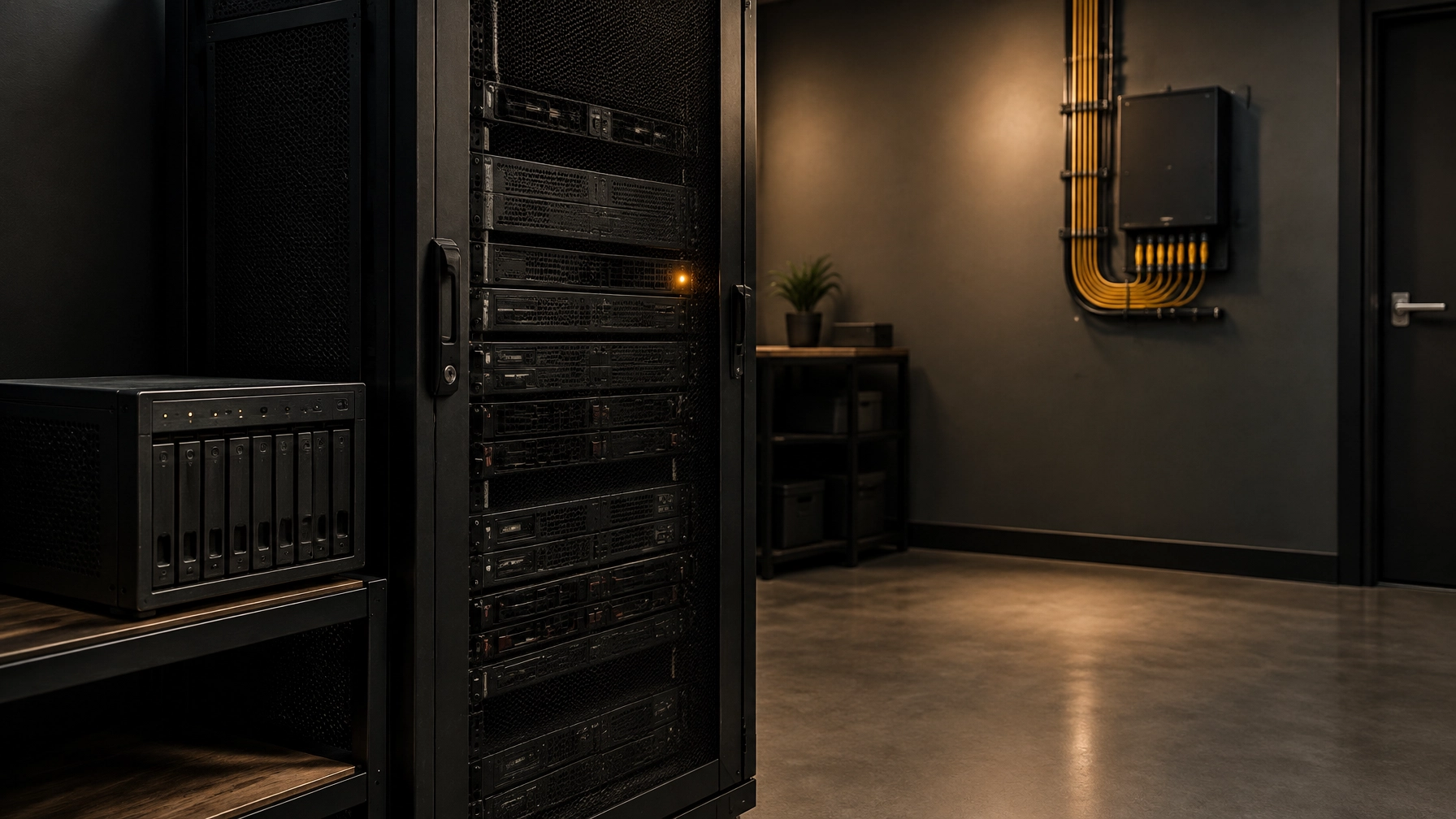
There is often a server in a business that nobody wants to touch. It may be the physical machine in a cupboard, a NAS holding shared files or a storage array that has quietly outlived its support contract. It still works, which is precisely why it can be easy to ignore.
But “it still works” is not a strategy. When hardware or software approaches end of support, the decision is not simply whether to buy a replacement. It is whether the business should keep the workload, change where it runs, or retire it altogether.
A consultancy-first approach starts with that decision. The hardware refresh, cloud migration, network changes and support arrangements are execution choices that follow from the business need.
The risk is quieter than a breakdown
An ageing server can fail suddenly, but deterioration is often less obvious: security updates stop, replacement components become harder to source, and a recovery plan built around the old platform may no longer be realistic.
The NCSC’s guidance on obsolete products is clear: unsupported products no longer receive security updates and may lack modern security protections. Its recommended long-term mitigation is to stop using the obsolete product. Interim controls can reduce exposure, but they do not make an unsupported system risk-free.
There is also a business-continuity risk. If the server fails, can you restore the applications and data within a time your business can tolerate? A backup that has not been tested against the target recovery platform is an assumption, not a recovery plan.
For organisations handling personal data, the ICO’s data security guidance includes the ability to restore access and availability after a physical or technical incident. The practical requirement is not just to keep copies; it is to know that the business can recover.
Find out what the server actually does
Before choosing a replacement, map the workload. Servers often accumulate jobs over years: file storage, printing, authentication, application databases, scheduled scripts, backup services and integrations. A NAS or storage array may also support applications in ways that are not obvious from its label.
Ask staff and suppliers what depends on the system. Record the applications, data, users, connections, service accounts, licences and recovery requirements. Include support and end-of-life dates, who owns each workload, and the consequences of downtime.
Pay particular attention to specialist or legacy software. An IBM i environment, for example, may support a business-critical application with dependencies that cannot be moved by copying files alone. Treat it as a distinct technical assessment, not as a generic server refresh; see IBM i management and support.

Three realistic choices
1. Replace like-for-like on site
A new on-premises server can be sensible when the workload is stable, needs local performance, has specialist hardware requirements or is difficult to redesign. It gives the business direct control and may avoid major application change.
The trade-off is that the business still needs to manage the platform: security updates, monitoring, physical access, power, cooling, backups, replacement planning and recovery testing. A new server is not automatically a resilient service. Specify supported hardware and software, warranty cover and a refresh lifecycle rather than buying only for today’s capacity.
2. Move to Cloud Solutions
Cloud services can suit distributed teams, variable capacity and workloads that benefit from managed platform features. They may reduce the need to maintain physical equipment at the office, but the result depends on the application, the design and the ongoing management.
A simple machine-for-machine move can carry old technical debt into a new location. The NCSC cloud security guidance on lift and shift advises organisations to understand what they are moving, plan the migration and consider whether workloads can be re-platformed or modernised. Cloud does not remove the need to manage access, configuration, security monitoring, backups or costs.
Some workloads may be better replaced by a current service than migrated as a virtual server. Where the wider business is reviewing finance processes, for instance, it may be an opportunity to assess how infrastructure and integrations support Microsoft Dynamics 365 Business Central, rather than simply recreating the old arrangement.
3. Use colocation or hosted infrastructure
Colocation places business-owned equipment in a specialist data centre, typically with professionally managed power, cooling and physical security. Hosted infrastructure may go further, with a provider supplying and managing some or all of the hardware and platform.
This can be a useful middle ground when a workload needs dedicated or specialist infrastructure but the office is not an appropriate place to run it. However, moving equipment off site does not by itself modernise an unsupported operating system or application. Clarify exactly who is responsible for patching, hardware replacement, backups, monitoring and recovery, and what the contract promises if the service fails.

Plan the migration, not just the destination
Data migration and cutover are where an apparently straightforward project can become disruptive. Large data volumes, overlooked integrations, permissions, scheduled jobs and application licences can all affect the outcome.
Plan the move in stages where possible. Agree what will be migrated, what can be retired, who will validate the result and what happens if cutover fails. Take a verified backup before changes begin. Reconcile records and test access, integrations and performance on the destination. Keep the old platform available for an agreed rollback period, but avoid leaving it in place indefinitely as an unofficial fallback.
Most importantly, design Disaster Recovery for the destination, not for the system being retired. Set recovery time and recovery point objectives that reflect business impact, then test a restore from the new platform and its backups. The method that worked for a local server may not meet the recovery needs of a cloud or hosted workload.
Recheck the network and support model
Moving a workload outside the building changes how staff reach it. Review bandwidth, latency, capacity at busy periods, failover arrangements and the effect of an internet outage. This is where Network Solutions become part of the infrastructure decision, not an afterthought.
Where the move affects hosted phones or other communications, consider whether the connection can support those services reliably too. Voice and Connectivity may need to be reviewed alongside the new access requirements.
The support model also changes. Staff may need new sign-in steps, different ways to access files or a revised process for reporting faults. Prepare Helpdesk Support to handle the transition, with clear guidance for users and agreed routes for escalating problems.
Managed IT Services can provide the execution layer for monitoring, maintenance and day-to-day support. In a consultancy-led model, these services sit beneath the strategy: they help deliver and operate the chosen design, rather than deciding the business direction by default.
Compare the real cost, not just the first invoice
A like-for-like refresh usually involves a visible capital cost. Cloud or hosted services may shift more expenditure into recurring subscriptions or service charges. Neither model is automatically cheaper.
Use Technology Expense Management to compare the total cost over a sensible period, such as three to five years. Include hardware, software, support, power, connectivity, backup, migration, internal staff time and eventual exit costs. For subscription services, understand what is included, how usage is billed and how costs may change as the business grows.
A Fractal IT Director approach puts the business case before the purchase. The aim is to select an option the organisation can secure, support and recover, not simply the one with the lowest initial price.

Decision checklist
Before approving a replacement or migration, confirm:
- What workloads, data, integrations and users depend on the current system?
- Which hardware, operating systems and applications are supported, and until when?
- Can any workload be retired or replaced rather than moved?
- Which option best fits business needs: like-for-like replacement, cloud, colocation or hosted infrastructure?
- Have data migration, testing, cutover, rollback and user communications been planned?
- Does the destination have tested backups and a recovery plan that meets agreed downtime and data-loss tolerances?
- Can the network support access to the new environment, including during a connection failure?
- Who will provide user support, monitoring, maintenance and incident response?
- Have capital, subscription, migration, support and exit costs been compared over the same period?
- If the old system must remain temporarily, is there a named risk owner, appropriate containment and a dated retirement plan?
The decision need not be “replace it today” or “leave it alone”. It should be a documented choice with a destination, a transition plan and a clear owner. For strategic IT consultancy and support, visit Evestaff IT Support and Consultancy; for the wider Evestaff group of services, visit evestaff.co.uk.
SEO keywords:
Cloud Solutions, Disaster Recovery, Dynamics 365 Jump Start, Helpdesk Support, IBM i Management, Managed IT Services, Network Solutions, Technology Expense Management, Voice and Connectivity
Join The Discussion