
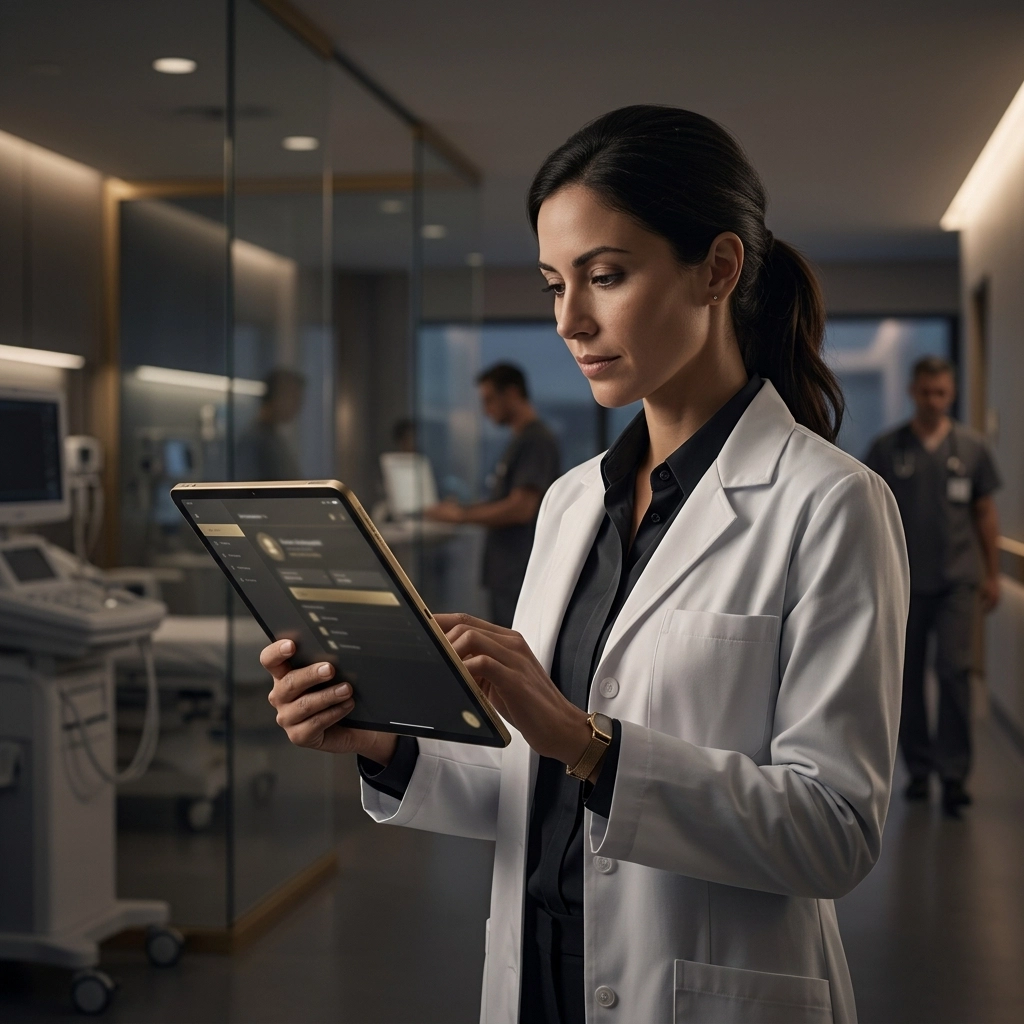
The modern healthcare landscape is no longer confined to the sterile hallways of a hospital or the quiet corners of a private practice. Today, the "doctor’s office" is as likely to be a patient’s living room, a community clinic, or even the front seat of a car between appointments. As medical professionals embrace mobility to provide better, faster, and more personalized care, the technology supporting them must keep pace.
However, this newfound freedom comes with a significant caveat: the security of sensitive patient data. For healthcare providers on the go, a lost tablet or an unsecured smartphone isn't just an inconvenience: it’s a potential HIPAA violation, a breach of patient trust, and a massive financial liability. This is where Mobile Device Management (MDM) becomes the unsung hero of modern medicine.
The Shift to Mobile Healthcare
Mobile healthcare, or mHealth, has revolutionized patient outcomes. Nurses can update charts in real-time, specialists can review imaging from their tablets while commuting, and home health aides can access critical history at the point of care. This agility saves lives, but it also expands the "attack surface" for cybercriminals.
When a device leaves the physical security of a clinic, it enters the "wild." It connects to public Wi-Fi at coffee shops, it sits in hot cars, and it risks being left behind in taxis. Without a robust strategy to manage these devices, healthcare organizations are essentially leaving their front doors unlocked.

What is MDM and Why Does Healthcare Need It?
Mobile Device Management (MDM) is a software solution that allows IT administrators to control, secure, and enforce policies on smartphones, tablets, and laptops from a central location. For a medical professional, it means their device is pre-configured with everything they need to work safely, without them needing to be an IT expert.
For healthcare organizations, MDM is the bridge between accessibility and compliance. It ensures that every device accessing the network meets strict security standards, regardless of where that device is physically located.
1. Ironclad Security for Every Device
The primary role of MDM in healthcare is data protection. If a physician loses their iPad, the clock starts ticking. Without MDM, that device is a goldmine for identity thieves. With MDM, the IT team at Evestaff IT Support and Consultancy can remotely lock the device or perform a "remote wipe," erasing all sensitive data before it can be accessed.
Furthermore, MDM allows for:
- Enforced Encryption: Ensuring that all data stored on the device is unreadable without the correct credentials.
- Strong Passcode Policies: Mandating complex passwords or biometric authentication (like FaceID or fingerprints) to even open the device.
- Geofencing: Setting virtual boundaries. If a device containing sensitive records leaves a specific geographic area, the MDM can automatically lock it down or alert the IT department.
2. Containerization: Separating Work from Play
Many healthcare professionals prefer a "Bring Your Own Device" (BYOD) model. They want to check their work email and patient charts on the same iPhone they use to text their family. This creates a nightmare for privacy.
MDM solves this through "containerization." It creates a secure, encrypted bubble on the device specifically for work apps and data. The IT department can manage and wipe the work container without ever touching the user’s personal photos, messages, or apps. This maintains patient confidentiality while respecting the professional’s personal privacy.

Enhancing Productivity on the Move
Security shouldn't be a hurdle; it should be an enabler. Medical professionals are notoriously busy, and the last thing they need is to spend twenty minutes fighting with a VPN or an expired password.
Zero-Touch Deployment
With MDM, new devices can be shipped directly to a clinician’s home. The moment they turn it on and connect to Wi-Fi, the MDM software automatically installs the necessary medical apps, configures the secure Wi-Fi settings, and sets up their email. This "zero-touch" approach means the professional is ready to see patients in minutes, not hours.
Remote Troubleshooting
When an app crashes or a connection fails in the field, a mobile professional can’t simply walk down to the IT basement. MDM allows IT consultants to remotely view the screen or push updates and fixes over the air. This minimizes downtime and ensures that care is never delayed due to a software glitch.
Compliance is Not Optional
In the UK and abroad, regulations like GDPR and HIPAA (for those dealing with US-based entities) set a high bar for data protection. Failure to comply can lead to astronomical fines and the loss of a medical license.
MDM provides a digital paper trail. If an audit occurs, the healthcare practice can prove that every device was encrypted, patched to the latest security version, and monitored for threats. It transforms compliance from a stressful annual event into a continuous, automated process.

The Human Element: Training and Support
Technology is only half the battle. At Evestaff IT Support and Consultancy, we believe that the best MDM strategy includes a human touch. Just as precision and detailed reporting are vital in the property sector: like the meticulous work done by propertyinventoryclerks.co.uk: healthcare data requires an uncompromising level of accuracy and security.
We work with healthcare teams to ensure they understand how to use their devices safely. We teach them to recognize phishing attempts and the importance of only using approved, secure apps for patient communication.
Choosing the Right MDM Strategy
Not all MDM solutions are created equal. A small dental practice has different needs than a large regional nursing agency. Factors to consider include:
- Device Type: Does your team use iPads, Android tablets, or Windows laptops?
- Ownership: Is it a corporate-owned model or BYOD?
- Integration: Does the MDM play nicely with your existing Electronic Health Record (EHR) software?
Implementing these systems requires a balance of technical expertise and an understanding of the healthcare workflow. You need a partner who understands that in medicine, every second counts.

Protecting Your Practice and Your Patients
The move toward mobile healthcare is an incredible step forward for patient accessibility. By bringing the clinic to the patient, we are breaking down barriers to care. However, we cannot afford to break down the barriers to data security in the process.
Mobile Device Management isn't just about managing hardware; it’s about protecting the sacred relationship between a provider and their patient. It’s about ensuring that a professional "on the go" can focus on what they do best: healing: without worrying about the "what ifs" of cyber threats.
If you’re ready to secure your mobile workforce and ensure your practice stays compliant in an increasingly digital world, we’re here to help.
Are you confident in your mobile security?
Don't wait for a lost device to find the gaps in your defense. Book a discovery call with Evestaff IT Support and Consultancy today and let's build a secure, mobile-first future for your healthcare practice.
SEO Tags:
MDM for Healthcare, Mobile Device Management, Healthcare IT Security, HIPAA Compliance Mobile, Medical Professional Tech, Remote Wipe Healthcare, Secure mHealth, Evestaff IT Consultancy, Healthcare Cybersecurity UK, BYOD Healthcare Security
Join The Discussion